


Map It Once, Use It Everywhere: Attribute Derivations in Rosetta Stone
Blog
•
5
Mins
Share

If you know someone's birthdate, you know their age. You know their birth year, their age range and their generation. You could even work out their age on Mars, if that ever makes it into a campaign brief.
None of that is new information. It's all sitting inside one column. And yet most data stacks treat each of those values as a separate job, mapped separately, computed separately and maintained separately, in every dataset that has a birthdate.
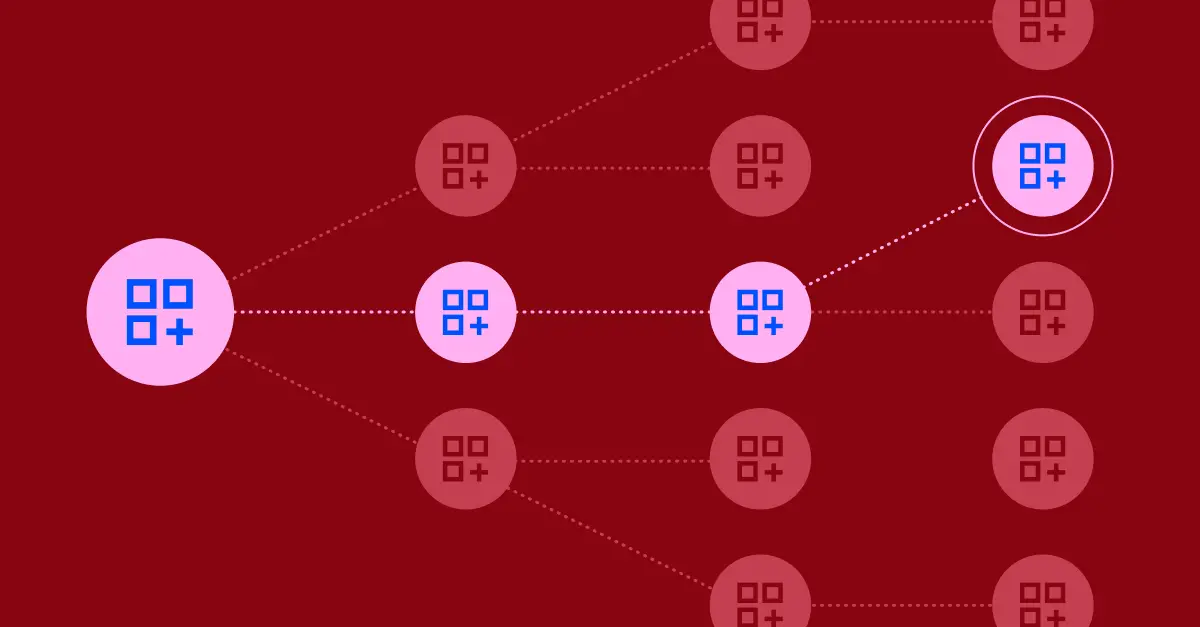
Narrative fixes that with attribute derivations. Map a column once, and you get every attribute that can be built from it, right when you run a query.
The hidden cost of “just reformat it”
Every downstream system wants your data in its own shape.
- Birthdate. One team wants age, another wants an age range, the media plan is built on generation.
- Email. Your activation partners want normalized email. One wants it hashed with SHA-256, another with MD5, another with SHA-1.
- Phone number. Each ad platform has its own idea of what a phone number looks like: with or without a country code, with or without punctuation, plain or hashed.
So teams handle it one of three ways. They map every version by hand, dataset by dataset. They write the transformation into every query and hope everyone writes it the same way. Or, more and more, they ask an AI model to reformat the column on the fly.
All three get you an answer today. None of them guarantees the same answer tomorrow.
Instead, write the rule once and apply it everywhere
Behind this solution is a simple rule that says how to get from one attribute to another. Each rule has three parts:
- The original attribute, like
normalized_email - The result, like
sha256_hashed_email - The formula that turns one into the other, like
SHA2($source, 256)
Rules chain, so one mapping goes further
One mapped birthdate can lead to many attributes built from it.
.png)
Rules can build on each other, up to three steps deep. Birthdate gives you age, and age gives you an age range. Raw email gives you normalized email, and normalized email gives you every hash. The closer you map to the original data, the more you get from it.
A few guardrails keep this predictable:
- A mapping you made beats a rule. If a dataset already maps an attribute directly, Rosetta Stone uses your mapping, and any chain stops there.
- The cheapest route wins. When there's more than one way to reach the same attribute, Rosetta Stone takes the cheapest one.
- Rules say what they lose. Hashing an email is lossy: you can't get the address back. Bucketing an age into a range is imprecise: you get an approximation. Rules carry those flags, so you know what you're working with.
- Answers stay current. Because results are worked out when you query, an age computed from a birthdate is the age as of today's query, not the day someone wrote the rule.
Why not just ask an AI model?
An AI model can absolutely reformat a column. Ask it for age ranges and you'll get age ranges. The trouble starts the second time you ask.
Does it bucket 34 into 30–34 or 30–39? Does it count Gmail addresses with dots as the same address? Did it handle the column the same way in dataset 12 as in dataset 400? Nothing in a prompt guarantees it, and nothing written down lets you check.
.png)
In Rosetta Stone, rules are infrastructure, not a prompt, so you get the same rule and the same answer in every dataset:
- Consistent. A rule is defined once and applied the same way, every query, in every dataset. Thirty-four is the same 34 everywhere it shows up.
- Legible. You can read a rule. What it starts from, what it produces and how it gets there are all written down, so anyone can see exactly how a value was made.
- Governable. Rules belong to the company that created them, can be shared with specific partners, and can be switched off without being deleted. And a rule never shares more than you meant to. If a partner needs one of the results, you add it to your access rule.
- Cheaper. A rule is a SQL expression, not a model call. You don't pay to re-solve the same problem every time someone runs a query.
- Fixable in one place. When the right answer changes, you change one rule and every result follows on the next query. No hunting through prompts or pipelines.
That last point matters more than it sounds. AI is great at the hard, judgment-heavy parts of normalization, like figuring out that a column called dob_txt is a birthdate. Once that call is made, the math that follows shouldn't be a judgment call at all. That's the job rules do.
It's also why we think about normalization as infrastructure. The data normalization gap is how AI projects end up confidently wrong. Rules close it the same way every time.
How to get started
- Map the most original form you have, like raw email instead of a hash, so rules can cover everything built from it.
- Query the results like any other attribute. No special syntax. Rosetta Stone works out the rest.
- Share with purpose. If a partner needs one of the results, add it to your access rule.
For the details, see Attribute derivations in the docs.
What this changes
Most data teams spend their time producing the same facts in slightly different shapes for slightly different destinations. Now that's work you do once. A new partner or format no longer means a new mapping project, every team gets the same answer, and every value traces back to a rule you can read. You map less, maintain less and trust the output more.
Data that works together is closer than you think. Book a demo to see it working on your own data.
Explore related
Insights, stories, & resources for the teams building modern data infrastructure.

Blog
•
6
Mins
How to Build an Identity Spine in Snowflake (That You Actually Own)
Blog
•
5
Mins
Identity doomsday: What iOS 27 means for the future of identity

Blog
•
5
Mins
From Forecast to Audience: What a Composable Stack Looks Like